
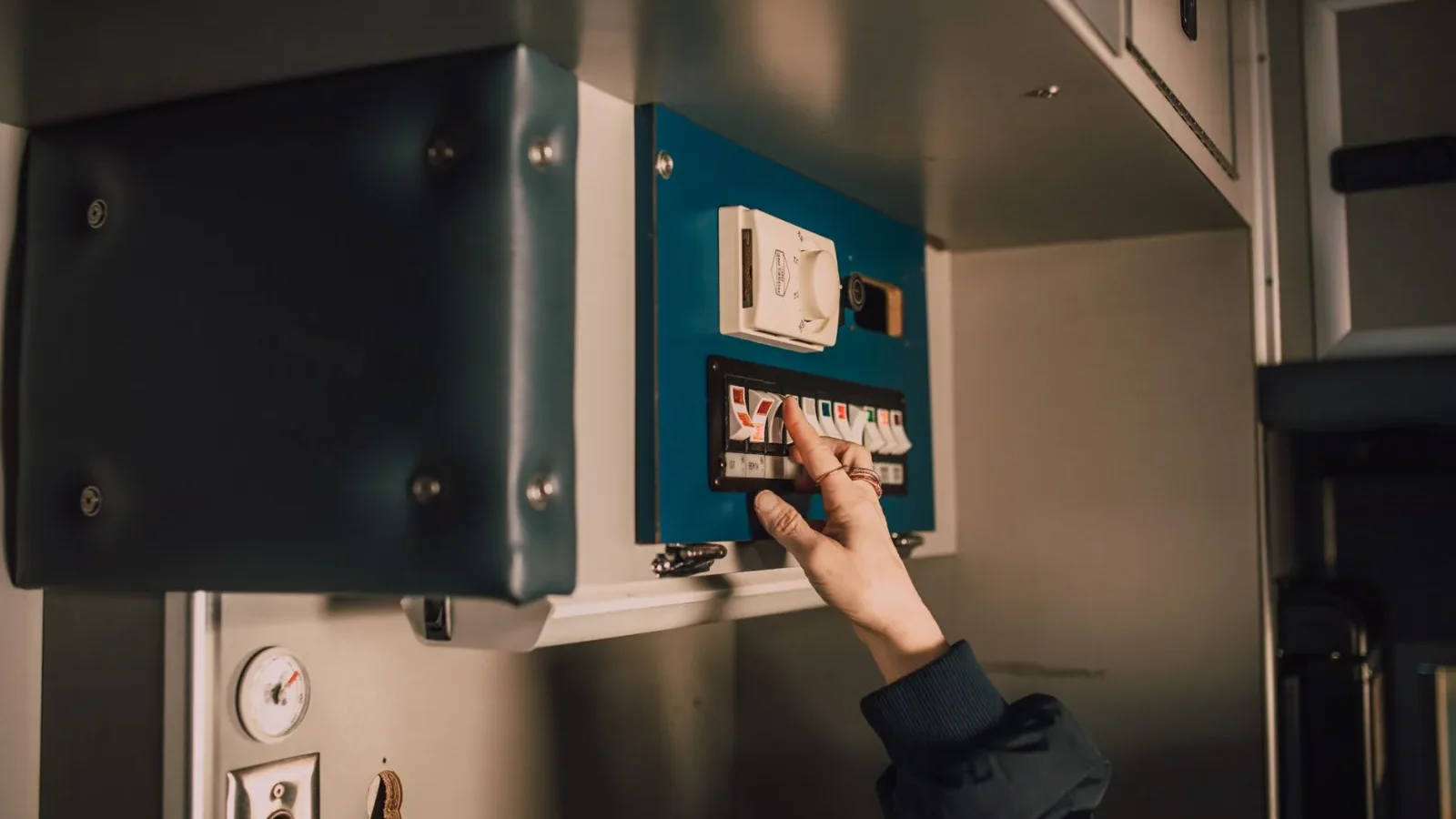
The night my septic alarm first went off, I had no idea what the buzzing red box on the wall even did. I hit the silence button, went back to bed, and got lucky. Plenty of homeowners don’t: a dead or ignored alarm is how a $50 fix becomes a flooded drain field. A good septic alarm system is the cheapest insurance you can buy for the most expensive part of your setup, but the market is full of features that sound impressive and do nothing. In this guide you’ll learn what a septic alarm actually monitors, the features genuinely worth paying for, the ones that are just upsell, and how to pick the right one for your system.
Key Takeaways
- A septic alarm warns you when the liquid level in a pump or tank chamber rises too high, giving you hours to act before sewage backs up or surfaces.
- The three features worth every dollar: a loud audible buzzer, a bright visible light, and a separate circuit from the pump so the alarm still works when the pump fails.
- Basic high-water alarms run about $30 to $150; smart Wi-Fi models with phone alerts add roughly $150 to $400 and are worth it if you travel or rent the property.
- Skip the upsell features: fancy app dashboards, “bacteria monitoring,” and lifetime cloud subscriptions rarely earn their price.
- Test the alarm every few months and never just silence it and walk away, an alarm that’s beeping means water is not leaving as it should.
What a septic alarm actually does
A septic alarm is a simple warning device, not a treatment product. Its whole job is to tell you when the liquid level somewhere in your system has climbed higher than it should. In most homes that “somewhere” is a pump chamber, the tank that holds effluent before a pump sends it uphill or out to the drain field. When the pump stops working or water comes in faster than it can leave, the level rises, a float switch trips, and the alarm sounds.
That early warning is the entire value. A backup or surfacing failure usually doesn’t happen the instant something breaks. There’s a window, often several hours to a day, while the chamber fills. The alarm turns that invisible window into a loud, blinking heads-up so you can stop running water and call for help before raw sewage ends up in your basement or pooling on the lawn. If you want the bigger picture of which upgrades earn their keep, our complete buyer’s guide to septic-safe products ranks alarms alongside filters, risers, and additives.
Not every system has one, and that’s a problem
Systems with a pump, mound systems, pressure-dosed drain fields, and aerobic treatment units almost always come with an alarm, and many areas require one. A simple gravity-fed conventional system may not have one at all. If yours doesn’t and your setup relies on a pump, adding an alarm is one of the highest-value, lowest-cost improvements you can make.
The features actually worth paying for
Strip away the marketing and a septic alarm only needs to do a few things reliably. These are the features I’d insist on, in order of importance.
1. A loud buzzer and a bright light
The alarm has to get your attention. Look for both an audible buzzer rated around 80 to 90 decibels and a bright red LED or beacon. Two signals matter because you might be asleep when it sounds or across the yard when the light catches your eye. Mount it somewhere you’ll actually notice it, near a door you use daily or inside a laundry or utility room, not buried in a far corner of the basement.
2. A separate circuit from the pump
This is the one people miss. If the alarm shares the same electrical circuit as the pump, a tripped breaker takes out both at once, so the pump dies and the alarm goes silent right when you need it most. A proper install puts the alarm on its own dedicated circuit. If you’re buying or wiring an alarm, confirm this. It’s the difference between a warning system and a decoration.
3. A reliable float switch
The float is the sensor that trips the alarm. Mechanical float switches are simple, proven, and easy to replace, and I prefer them for that reason. Whatever type you choose, the float should be serviceable without replacing the whole panel, because floats are the part most likely to wear out or get fouled over the years.
4. Weatherproof outdoor rating
Many alarm panels mount outdoors near the tank. If yours does, it needs a weatherproof enclosure, commonly a NEMA-rated box, to survive rain, snow, and sun. An indoor-only unit mounted outside will fail fast. Check the rating before you buy, especially in wet or cold climates.
5. A silence button that doesn’t reset the alarm
You want to be able to hush the buzzer at 2 a.m. so you can think, but the warning light should stay on until the water level actually drops. A good design silences the sound while keeping the visual alarm lit, so you can’t accidentally forget that the underlying problem is still there.
| Feature | Worth paying for? | Why |
|---|---|---|
| Loud buzzer + bright light | Yes, essential | You must notice it day or night |
| Separate circuit from pump | Yes, essential | Alarm still works if the pump breaker trips |
| Serviceable float switch | Yes | Floats wear out; cheap to replace alone |
| Weatherproof (NEMA) enclosure | Yes, if outdoor | Survives rain, snow, and sun |
| Wi-Fi / phone alerts | Maybe | Great for travelers and rentals; needless if home-based |
| App “bacteria” or health monitoring | No | Marketing; an alarm measures water level, not biology |
| Paid cloud subscription | Usually no | Recurring cost for a one-job device |
Tip: pair the alarm with easy tank access
An alarm tells you something’s wrong, but you still have to look inside to confirm the cause. That’s far easier if your tank lid sits at ground level. Reading our guide to choosing a septic tank riser and lid before you install an alarm means you can actually check the float and water level without a shovel when the buzzer sounds.
Smart alarms: when phone alerts are worth it
Wi-Fi septic alarms that text or push a notification to your phone are the one “premium” feature I think many owners should genuinely consider, but only in the right situations. A basic buzzer on the wall does nothing if nobody’s home to hear it.
A smart alarm earns its extra $150 to $400 if you travel often, own a vacation home, rent the property to tenants, or simply spend long days away. Getting a text that says “high water alarm” while you’re at work can save a full day of water flowing into a failing system. If you’re home most of the time and would hear a wall buzzer anyway, the smart features are a nice-to-have, not a need.
What I’d watch for: many smart units depend on your home Wi-Fi and power, so a router outage can silence the alerts. And be wary of any model that charges a recurring subscription just to keep the notifications working. A one-time device shouldn’t come with a monthly bill. For a broader sense of what “septic-safe” and worthwhile even means on a product label, our primer on what makes a product septic-safe is a useful sanity check before you spend.

What to do when the alarm goes off
Buying the right alarm only helps if you know how to respond to it. When the buzzer sounds, work through these steps calmly and in order.
- Silence the buzzer if you can, but leave the warning light on so you don’t forget the problem is still active.
- Stop using water immediately. No laundry, dishwasher, long showers, or extra toilet flushes, every gallon you add makes it worse.
- Check the electrical panel for a tripped breaker feeding the pump. Resetting it once is fine; if it trips again, stop and call a pro.
- If your tank access is at grade, lift the lid and look, but never lean your head into the opening. Tank gases can overwhelm you in seconds.
- If the level stays high or the pump won’t run, call a septic professional. Keep water use to an absolute minimum until they arrive.
- Note the date and what you found in your maintenance log so you can spot a pattern if it happens again.
Warning: silencing is not fixing
The most expensive mistake I see is hitting the silence button and going back to normal water use. The alarm means water is not leaving your system properly. Silence the noise if you must, but treat the underlying alert as active until you’ve confirmed the water level has dropped and the pump is running.
What a septic alarm costs and how to keep it working
Prices are refreshingly reasonable for something that protects a drain field that can cost several thousand to $20,000 or more to replace. A basic high-water alarm panel typically runs about $30 to $150 for the unit. Professional installation, if you’re not comfortable with the wiring, usually adds a couple hundred dollars. Smart Wi-Fi models generally land between $150 and $400 all in.
Whatever you buy, test it on a schedule. Most panels have a test button; press it every few months to confirm the buzzer and light both work. On my own system I test the alarm each time I do a seasonal check and replace the float switch at the first sign of a sluggish or stuck response, usually a cheap part. A working alarm you never trust is worse than none, because it lulls you into thinking you’re covered. To round out your setup with the other gear worth owning, browse the full septic products category.
Frequently Asked Questions
What does a septic alarm system actually monitor?
A septic alarm monitors the liquid level in a pump or holding chamber, usually with a float switch. When the level rises too high, because the pump failed or water is coming in faster than it leaves, the float trips and the alarm sounds. It warns you of trouble; it does not treat sewage or measure your tank’s bacteria.
Why is my septic alarm going off but everything seems fine?
A high-water alarm usually means the pump chamber level is too high. Common causes are a tripped pump breaker, a failed or stuck float, a burned-out pump, or simply heavy water use overwhelming the system. Stop running water, check the breaker, and if the level doesn’t drop, call a septic professional before a backup or surfacing occurs.
How much does a good septic alarm cost?
A basic high-water alarm panel typically costs about $30 to $150 for the unit, plus a couple hundred dollars if you hire out the wiring. Smart Wi-Fi alarms with phone alerts generally run $150 to $400 installed. Given the cost of a failed drain field, even the pricier options are inexpensive insurance.
Are Wi-Fi septic alarms worth the extra money?
They’re worth it if you travel, own a rental or vacation property, or are away from home for long stretches, since a wall buzzer helps no one when nobody’s around. If you’re usually home and would hear a standard alarm, the smart features are a convenience, not a necessity. Avoid models with mandatory monthly subscriptions.
Can I install a septic alarm myself?
A handy owner can install a plug-in or simple panel, but wiring a dedicated circuit and setting the float depth is electrical work with real consequences if done wrong. The alarm must be on a separate circuit from the pump. If you’re not confident with the wiring or local code, hire a licensed electrician or septic installer.
Conclusion
A septic alarm is a small purchase that guards a very large repair bill, but only if you buy for the features that matter and actually respond when it sounds. Insist on a loud buzzer, a bright light, and a circuit separate from the pump; add phone alerts only if you’re often away; and skip the subscriptions and “bacteria monitoring” gimmicks. Then test it regularly so you can trust it. When you’re ready to weigh the rest of the gear worth owning, start with our septic-safe products buyer’s guide, and for trustworthy system basics the EPA’s SepticSmart program is a reliable reference.